Managing a SaaS team without the right tools feels like herding cats. Tasks slip through the cracks. Deadlines get missed. And team members end up working in silos.
That’s where project management software comes in. A central system makes everything run smoothly. It helps teams stay organized, meet deadlines, and deliver better results.
This guide covers the top project management software options for SaaS brands. You’ll learn what features matter most, how pricing compares, and which tool fits your needs. By the end, you’ll know which platform helps your team work smarter.
Highlights
- Project management tools help SaaS brands improve workflows and team collaboration.
- Top tools offer Gantt charts, kanban boards, time tracking, and automations.
- Pricing ranges from free plans to enterprise solutions for every team size.
- The top project management software lives in the cloud, offers an API, and connects with no-code platforms.
- Most tools integrate with Slack, Google Drive, and Microsoft Teams.
Why SaaS brands need project management software
Even developing a small coding project or building a course needs some form of project management. Teams that first understand the basics, often through a project management course with certificate, find it easier to choose and adopt the right software. In most cases, the smart way is to start with a minimal viable product (MVP). That means developing features and tracking bugs or issues as you go along.
If you run a SaaS company, choosing a top project management software is not a luxury. It’s what makes (or breaks) everything in your business: scaling revenue, product, customer service, and even team building.
See, most SaaS teams work remotely or hybrid. Without a central hub, communication breaks down. People miss updates. Work gets duplicated. Progress stalls.
Lacking project management software can directly harm growth, regardless of how excellent your product is.
For example, when building a scalable B2B content marketing strategy, project planning coordinates writers, designers, and stakeholders. Everyone sees what’s in progress and what needs attention. The right platform reduces confusion and keeps teams aligned.
SaaS brands also manage multiple projects simultaneously. You might launch features while running marketing campaigns and supporting beta customers who are testing a new version. Tracking everything in spreadsheets becomes impossible as you scale.
According to Straits Research, the project management software market will likely grow at an annual rate of 18.48% by 2033. This shows how critical these tools have become.
Key features to look for in top project management software
Before exploring specific tools, consider what matters most when choosing a project management tool.
Essential features include:
- Task management: Create tasks and subtasks, assign to team members, set dates, and track progress.
- Collaboration tools: Comments, file sharing, and notifications to keep everyone connected.
- Reporting and analytics: Dashboards show what’s on track and what needs help.
- Integrations: Connect with apps you already use, like Slack and Google Drive.
- Mobile apps: Check tasks and update progress from anywhere.
- Security: Role-based permissions, two-factor authentication, and data encryption.
Beyond traditional tools, some teams benefit from specialized solutions like coworking space software for managing shared workspaces, especially for hybrid teams.
Consider the learning curve, too. Some of the tools we’ll see below might be better for traditional organizations with a focus on tracking everything that employees work on.
Some target software development teams. The best ones have the functions, tools, and templates that make them customizable.
Because the best tool is one that everyone in your company can use. When managing software and content marketing operations, you need tools that enhance your workflow rather than hinder it. Combining project management software with asset management software allows teams to manage both projects and IT resources efficiently, reducing errors and delays.
1. ClickUp
Let’s start with one of the most flexible options available.
What is ClickUp?
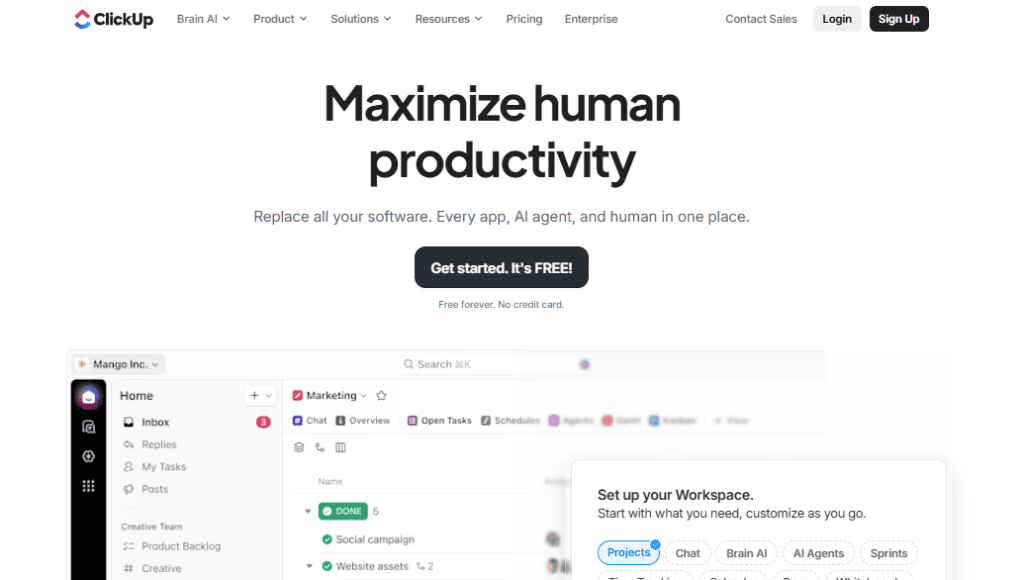
ClickUp calls itself “one app to replace them all.” It combines project management, document creation, goal tracking, and time tracking in one place. The interface adapts to your team’s workflow rather than forcing a specific method.
In fact, ClickUp allows you to create different spaces with custom views, dashboards, and fields based on what you need.
For example, you might have a software space for your SaaS with a Kanban project for each tool. You might then have a separate space for content projects and another for ads, with a dashboard displaying return on ad investment (ROAS) and average order value (AOV).
Key features
ClickUp stands out with its flexibility for different work styles. You can switch between views depending on your task.
Marketing teams use ClickUp to coordinate everything from launches to tracking how they run email marketing campaigns across channels.
Key features include:
- ClickUp AI for generating task descriptions, building automations, and asking questions about a project
- Modules and project templates for all your needs, including sprint tracking and content dashboards
- Multiple project views. These include a list, board, calendar, Gantt, timeline, and table
- Built-in time tracking and task dependencies without separate software
- Custom fields for tracking anything your team needs
- Workload view showing team capacity
- Automations for repetitive work
Pricing
ClickUp has a free forever plan with unlimited tasks and basic features. The unlimited plan costs $7 per user monthly with annual billing. The business plan costs $12 per user per month. Enterprise pricing is custom for advanced features and gives access to corporate compliance features.
Best for
Small to mid-sized SaaS teams that need maximum flexibility at the cost of a few days’ setup time.
2. monday.com
monday.com brings color and visual clarity to project management.
What is monday.com?
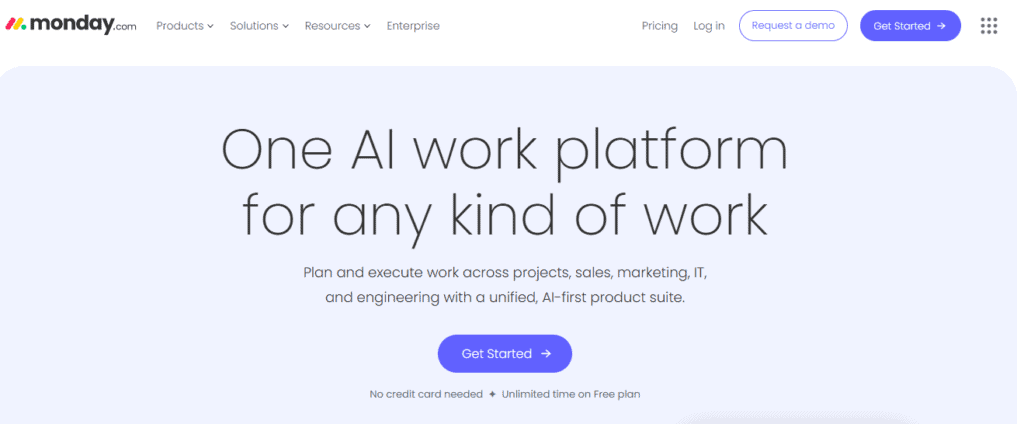
monday.com positions itself as a work platform rather than just project management software.
The platform adapts to different uses, from marketing campaigns to development sprints. Everything revolves around customizable boards.
Key features
The visual workflow builder makes monday.com distinctive. Color-coding helps teams identify status quickly.
Core capabilities:
- Customizable dashboards pulling data from multiple boards
- Visual workflow builder with drag-and-drop
- Automation recipes for typical processes
- Timeline and Gantt views for planning
- Extensive integration marketplace
According to monday.com research, 78% of workers feel comfortable using project management tools, showing strong adoption across teams.
Pricing
monday.com starts with a free plan for two users. The standard plan costs $12 per user monthly and includes timeline views and automations. The Pro plan costs $19 per user per month. Enterprise pricing is custom.
Best for
Marketing and creative team members who value visual project management. Great for non-technical teams needing easy onboarding.
3. Asana
Asana has been a project management staple for years.
What is Asana?
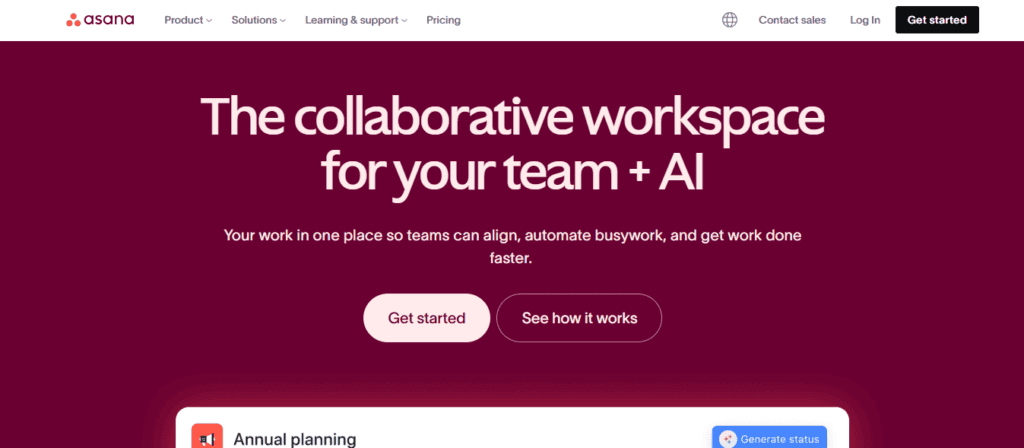
Asana helps teams organize tasks and projects with a clean interface. Founded by former Facebook executives, it focuses on collaboration and transparency. Everyone can see what others work on and how it relates to the company’s goals.
Key features
Asana helps teams apply best practices across every knowledge area of project management, from scope to resource allocation.
Top features:
- Timeline planning with Gantt-style views for project managers
- Goals and milestones connecting tasks to objectives
- Portfolio view for visibility across projects
- Workload management showing capacity
- Forms for work intake and requests
- Advanced search and reporting
Pricing
The personal plan is free for teams of up to 10 people. The starter plan costs $10.99 per user monthly. The advanced plan runs at $24.99 per user monthly with portfolio and goals features. Enterprise pricing is custom.
Best for
Larger teams that need a platform with many integrations. Scales well from small teams to enterprises.
4. Trello
Trello keeps things simple with Kanban boards.
What is Trello?
Trello pioneered digital Kanban boards.
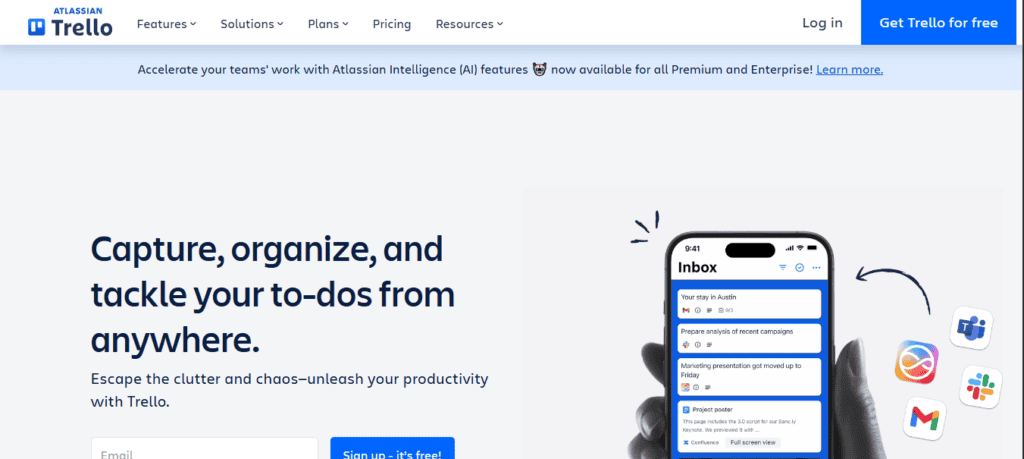
Boards hold lists, and lists hold cards. Each card is a task. You move cards as work progresses. The simplicity makes it approachable for teams new to project management tools.
Key features
Trello’s Kanban approach works well when developing a content marketing strategy where you track content through stages.
Main features:
- Timeline management and calendar views (premium)
- Kanban boards with customizable lists
- Butler automation for repetitive work
- Card templates for recurring tasks
- Mobile apps for on-the-go access
- Power-ups extend functionality
Pricing
Trello’s free plan includes unlimited cards and 10 boards. The standard plan costs $5 per user monthly. The premium plan runs $10 per user monthly with advanced views. Enterprise is $17.50 per user monthly.
Best for
Small teams with simple workflows and visual learners. Perfect for teams new to project management.
5. Wrike
Wrike targets teams needing serious horsepower.
What is Wrike?
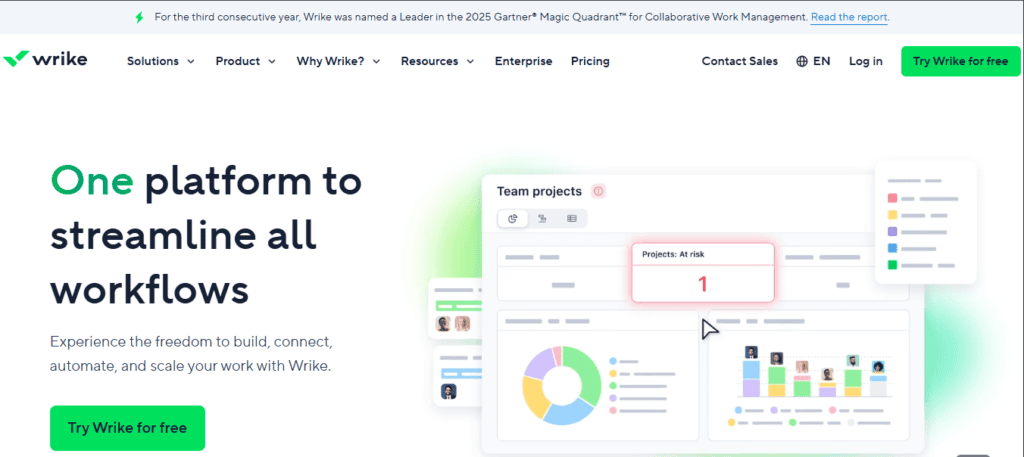
Wrike combines flexibility with enterprise features. You can manage marketing campaigns and product sprints in one platform. The tool focuses on collaboration and accountability.
Key features
Wrike’s advanced reporting helps track complex campaigns, such as when testing advanced SEO techniques for your website.
Notable features:
- Custom workflows matching your processes
- Proofing and approvals for creative work
- Request forms and intake management
- Resource management and scheduling
- Advanced reporting and analytics
- Cross-tagging for related tasks
Pricing
Wrike has a limited free plan. The team plan costs $10 per user monthly with Gantt charts and dashboards. The business plan runs $25 per user monthly. Enterprise and pinnacle have custom pricing.
Best for
Mid-to-large enterprises that need advanced reporting. Strong for marketing teams reviewing creative assets.
6. Jira
Jira is the standard for software development teams.
What is Jira?
Jira began as a tool for tracking bugs, but it has grown into full project management software for agile teams. The platform is powerful, yet teams get the most from it by training employees in agile methods. That extra knowledge helps them use Jira to its full potential.
Key features
Jira centers on agile methodologies with purpose-built tools.
Key features:
- Advanced issue tracking with task dependencies
- DevOps integration with GitHub and Bitbucket
- Scrum and Kanban boards for workflows
- Backlog management and grooming
- Sprint planning and velocity tracking
- Roadmaps for high-level planning
Pricing
Jira has a free plan that caters to up to 10 users. The standard plan costs $7.91 per user monthly. The premium plan runs $14.54 per user monthly with unlimited storage. Enterprise pricing is custom.
Best for
Software development teams that use agile.
7. Basecamp
Basecamp prioritizes communication over features.
What is Basecamp?
Basecamp is intentionally simple. While other tools add endless features, Basecamp focuses on team communication and basic organization. The idea is that most teams don’t need complex software.
Key features
Basecamp’s focus on communication helps teams stay aligned without complexity.
Main features:
- Message boards replacing email threads
- Automatic check-ins for status updates
- Hill charts for progress visualization
- To-do lists for basic task tracking
- File storage organized by project
- Schedule and calendar for date
Pricing
Basecamp costs $15 per user monthly or $299 monthly flat rate with unlimited users. A free plan exists, but it limits you to working on one project at a time.
Best for
Small teams valuing simplicity. It’s great for unlimited guests, such as when you want to track messages from outreach link building within the tool.
8. Notion
Notion blurs the lines between project management and a knowledge base as a second brain.
What is Notion?
Notion combines databases, wikis, task management, and notes into one workspace. You can build almost anything using Notion’s blocks. The platform emphasizes customization over rigid workflows.
Key features
Notion’s flexibility lets teams create exactly what they need for their processes.
Key capabilities:
- Flexible databases with custom structure
- Linked databases showing relationships
- Real-time collaboration and editing
- Wiki and documentation features
- Task tracking with multiple views
- Templates for consistency
Pricing
Notion offers a free plan for individuals. The Plus plan costs $10 per user monthly. The business plan runs $20 per user monthly with advanced permissions. Enterprise pricing is custom. Startups and growing teams can often find a Notion discount through partner programs to help scale their workspace more affordably.
Best for
Teams needing a second brain and projects combined. Perfect for startups building operational foundations.
9. Kanban Zone
Kanban Zone is a high-performance visual management tool designed to mirror the physical precision of traditional Kanban.
What is Kanban Zone?
Kanban Zone is an elite flow management platform built specifically to leverage the full depth of the Kanban methodology. Unlike general-purpose tools, it focuses on the science of throughput and on eliminating bottlenecks.
The platform is recognized for its flexibility, allowing users to build complex, multi-layered boards that exactly match their real-world processes rather than forcing teams to fit into a rigid software structure.
Key features
The advanced board editor is Kanban Zone’s standout feature, capable of recreating even the most intricate physical board designs with horizontal and vertical containers.
Top features include:
- Portfolio Kanban: Visualizes high-level strategic initiatives connected to individual team tasks.
- Connected Boards & Mirror Cards: Syncs data across multiple boards to maintain a single source of truth.
- Advanced Analytics: Built-in Flow Metrics, including Lead Time, Cycle Time, and Cumulative Flow Diagrams.
- WIP Limits & Explicit Policies: Tools specifically designed to prevent team burnout and enforce process standards.
- Expert Coaching: Higher-tier plans include access to Agile experts to help refine workflows.
Pricing
Kanban Zone offers a tiered structure starting with a Personal plan at $5 per user/month. The Professional plan is $11 per user/month and includes custom fields and mirror cards. The Portfolio plan costs $16 per user/month for enterprise-wide visualization. Volume discounts are available for larger teams, and a 30-day free trial is offered without a credit card.
Best for
Lean and Agile practitioners who require more than just a “to-do” list. It is ideal for operations, software development, and manufacturing teams that need to track complex metrics and portfolio-level flow.
How to choose the right pick from the top project management software for your SaaS brand
All the options above work well, but choosing the right one takes a bit of planning.
Start by looking at your team size. Some tools charge per user, which can get pricey as you grow. Others use flat pricing that scales better. Think about how big your team is now and where you expect it to be soon.
Key factors to evaluate:
- Budget: Factor in integrations, add-ons, and implementation time.
- Must-have features: Do you need unlimited subtasks? Dependencies? Gantt charts and task automation?
- Integration requirements: Does it connect with your current apps? Is there API access?
- Learning curve: Match complexity to your team’s technical comfort.
- Scalability: Will this tool grow with your needs?
Remember that this isn’t some file conversion tool you’ll use once a day. Your company and everything you work on will breathe and live on this software. Whether you’re testing SaaS content marketing strategies or tracking hundreds of A/B tests a month, this software needs to create less work for you, not more.
So try before you buy. Most tools offer free trials or plans. Use them with a real project and get your team involved.
When discussing integration needs and how project management tools connect with other systems, think of it like technical SEO, where different site elements work together seamlessly. So test every component, even those that you might use in the future.
Time to find the right project management tool for you
The top project management software for your SaaS brand depends on your specific needs.
The reality is that there are a lot of great tools out there. ClickUp and monday.com give you access to everything you’ll ever need. Asana and Jira can cost more but target larger organizations. Trello keeps things simple, while Notion combines projects with a second brain.
The right choice matches your team’s style, technical comfort, and growth plans.
Ready to optimize your workflows? At uSERP, we help SaaS brands build scalable growth through SEO and link building. Contact us today to see how we can help.